Versioning
Templates can have different versions
You can save multiple versions of a template. In the template editor when you click the Save button
you have options to:
- Save the current version: This option will save the opened version of the template
- Save as new version: This option will create a new version of the template

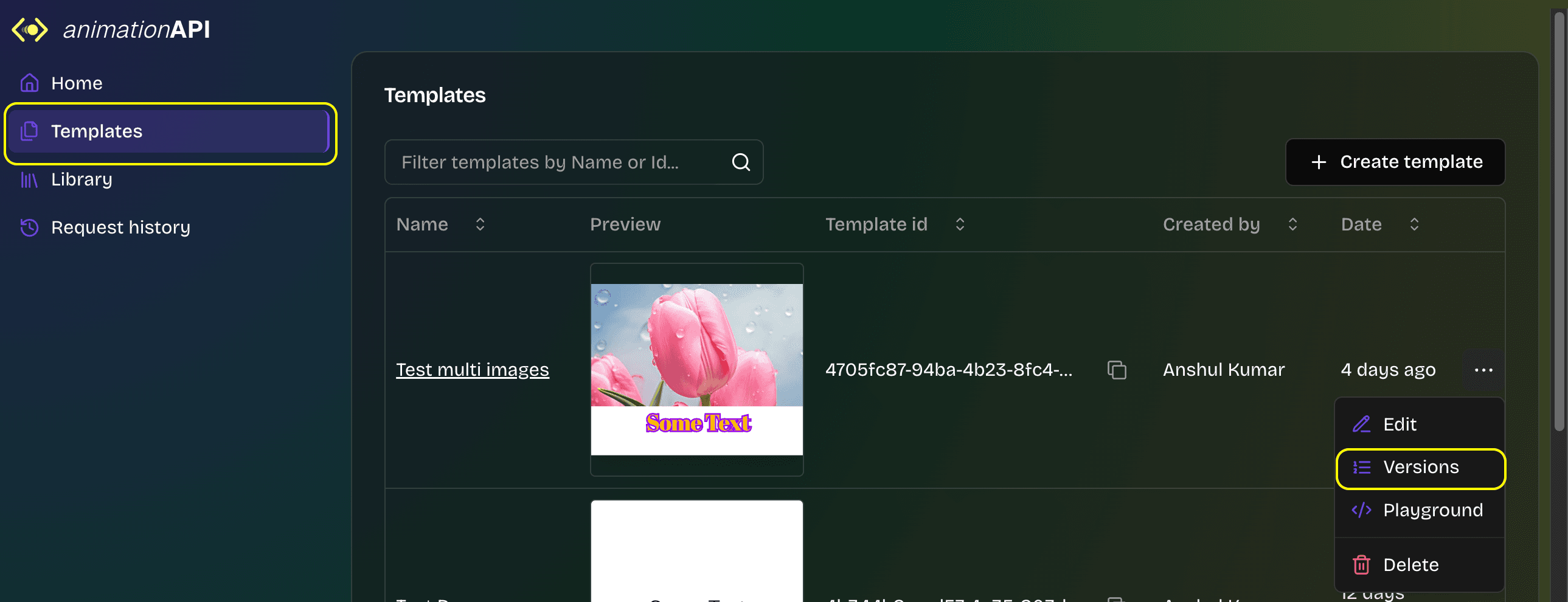
You can view the versions of a template:
- Navigate to
Templatestab. - Click on
Optionsof the template. - Then click on
Versionsto view all the versions of the template.